
COURSE DESCRIPTION:
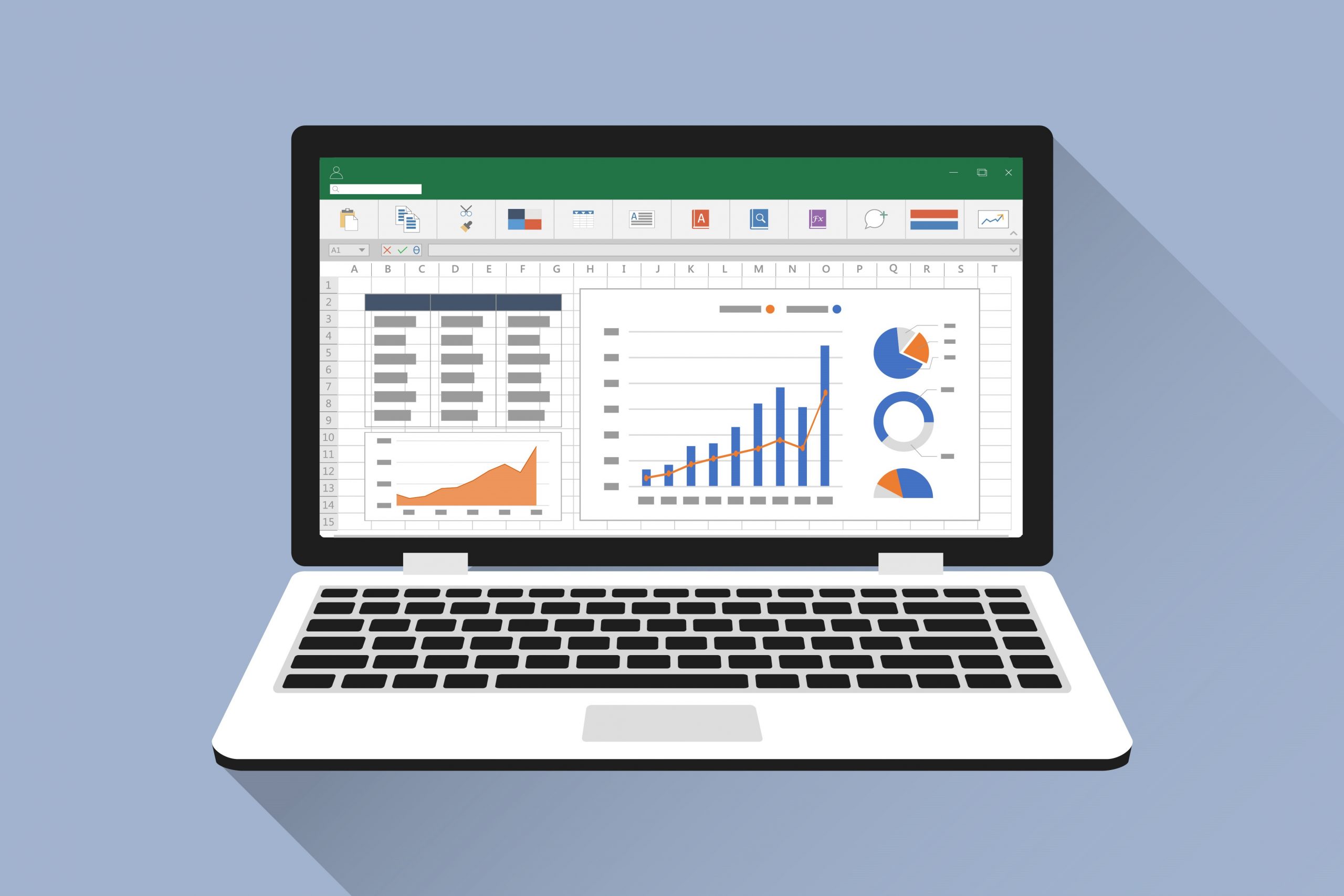
Students learn how to create and manipulate spreadsheets using Microsoft Excel, a platform where they can organize, analyze and present all kinds of data. The course is focused on the creation of neat-looking workbooks with colors and tables. Also, students learn how to calculate additional data from inputs, and how the results change when inputs are changed. For the duration of the course, students will learn a few topics within basic science & math, and will use them as motivation for the development of an Excel application as a final project.
CERTIFICATION:
MS Excel: Level I.
LEARNING OUTCOMES:
How to create colorful presentations using Excel worksheets.
How to fill text and numbers in a worksheet and how to modify them using formulas and formats.
How to create tables and how to format them.
How to use formulas with numbers, and how to create conditions in workbooks.
How to apply conditional formatting to tables.
Course Features
- Lectures 13
- Quiz 1
- Duration 12 weeks
- Skill level All levels
- Language English
- Students 0
- Certificate No
- Assessments Yes
- 12 Sections
- 13 Lessons
- 12 Weeks
- CLASS 1 - EXCEL BYTE1 ItemStudents learn how to create a workbook, the basic Excel interface and how to load and save documents.
- CLASS 2 - EXCEL BYTE1 ItemStudents learn about data entry and practice with a fun data set.
- CLASS 3 - EXCEL BYTE1 ItemStudents use the calculator and basic math functions.
- CLASS 4 - EXCEL BYTE1 ItemStudents combine and align cells and learn about number formatting.
- CLASS 5 - EXCEL BYTE1 ItemStudents create tables and pie charts.
- CLASS 6 - EXCEL BYTE1 ItemStudents learn about simple division and primitive decimal numbers and their formatting.
- CLASS 7 - EXCEL BYTE1 ItemStudents learn about conditionals and conditional formatting
- CLASS 8 - EXCEL BYTE1 ItemStudents brainstorm Project ideas and draw out their development plan.
- CLASS 9 - EXCEL BYTE3 ItemsStudents learn to use more functions like if, count, etc. Students keep working on their projects
- CLASS 10 - EXCEL KILOBYTE1 ItemStudents keep developing their final project and learn to format plots.
- CLASS 11 - EXCEL BYTE1 ItemCorrections and quality checks on project.
- CLASS 12 - EXCEL BYTE2 ItemsStudents complete project and present.